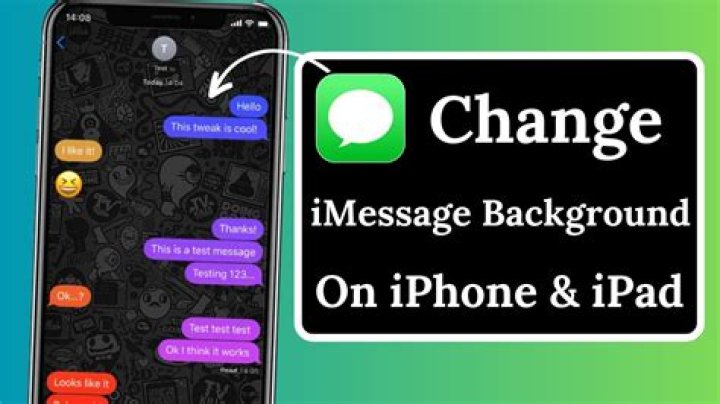
Find out if you can change your iMessage background with iOS 17 as Apple’s latest operating system arrives.
The new update came this week and has all kinds of new features, but customizing texts is the thing everyone really wants.
Can you change the iMessage background with iOS 17?
Sadly, there still isn’t a way to change the iMessage background with iOS 17. The theme can be white or black – but those are the only customization options.
There isn’t a way to change the bubble colors either. They will be blue if you send an iMessage using internet connection and green for an SMS message.
To switch your iMessage between white and black mode, open your iPhone Settings and click on Display & Brightness. Then, tap Light or Dark.
Users really want to customize Messages
People are upset that you still can’t change the iMessage background and have taken to Twitter to express their disappointment.
One person wrote: “Out of ALL the things apple could do with a new ios update why tf haven’t they let us customize our iMessage bubble color.”
“iOS 17 is cute but weren’t we supposed to get different coloured iMessage bubbles? Or did I just make that up?” said another.
A third person added: “Once Apple lets you change iMessage background with pictures y’all will lose your minds.”
“Apple I want to customize iMessage bubbles and the keyboard… different colors and fonts not all this other rubbish,” someone else tweeted.
out of ALL the things apple could do with a new ios update why tf haven’t they let us customize our imessage bubble color
— kenna (@makenna_n26) September 19, 2023
iOS 17 brings new messaging features
Customizing the iMessage screen still isn’t possible, but iOS 17 has brought loads of amazing new features to Messages including:
- A catch-up arrow to jump to the first message you haven’t seen in a conversation
- Check In notifies your friend or family member when you arrive at your destination
- Find the message you’re looking for faster by combining search filters
- Share your location or request a friend’s location from the plus button
- Audio messages are now transcribed, so you can read them at the time and listen later
- Tap the plus button to view all the things you send the most – like photos and location
- Swipe to reply to a message inline by swiping to the right on any bubble
- Verification codes are automatically deleted from the Messages app after using them
Some other cool additions are Contact Posters and StandBy Mode – and 118 new emojis are coming soon too.